
Scam alerts & digital safety education for adults 40+
Scammers Are Getting Smarter. So Are We.
Real-world scam alerts, digital safety education, and practical tools to help you spot deception, protect what matters, and move confidently online.
Don't verify because you're suspicious. Verify because you're smart.
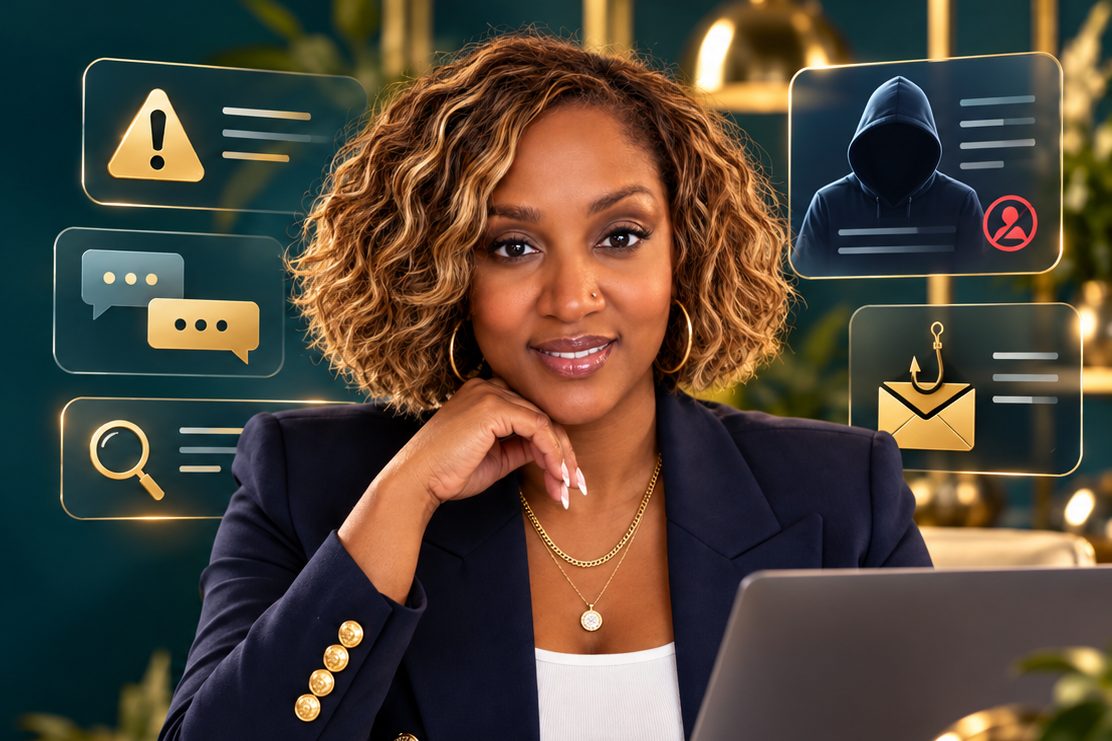

Featured scam alert
What scammers are trying right now
Editor preview How the featured spot chooses a video
The featured spot follows three rules, in order. 1. An active campaign spotlight wins while today falls between its start and end dates. 2. Otherwise a pinned video stays until you unpin it. 3. Otherwise it rotates through approved videos from the last 45 days, highest editor priority first, and changes on page load only, never while someone is watching. Try it below with your real videos.
In the live Wix build these are fields in a FeaturedSettings CMS collection, and the rule runs in Velo code on the homepage.

Watch & Learn
Watch. Learn. Outsmart the Scam.
Short lessons you can finish over coffee, and full breakdowns when you want the whole story. Every video links to a checklist you can use today.
New videos every week on YouTube.
Subscribe so the next scam alert finds you first.
Real tools. Real education. Real confidence.
Learn It. Live It. Outsmart the Scammers.
Scammers are getting smarter, and so are we. At Over the Hill & Digitally Dangerous™, we make digital safety understandable, practical, and empowering. Whether you want a downloadable guide, a live online class, or an in-person workshop for your community, we're here to help you recognize the red flags and take action with confidence.
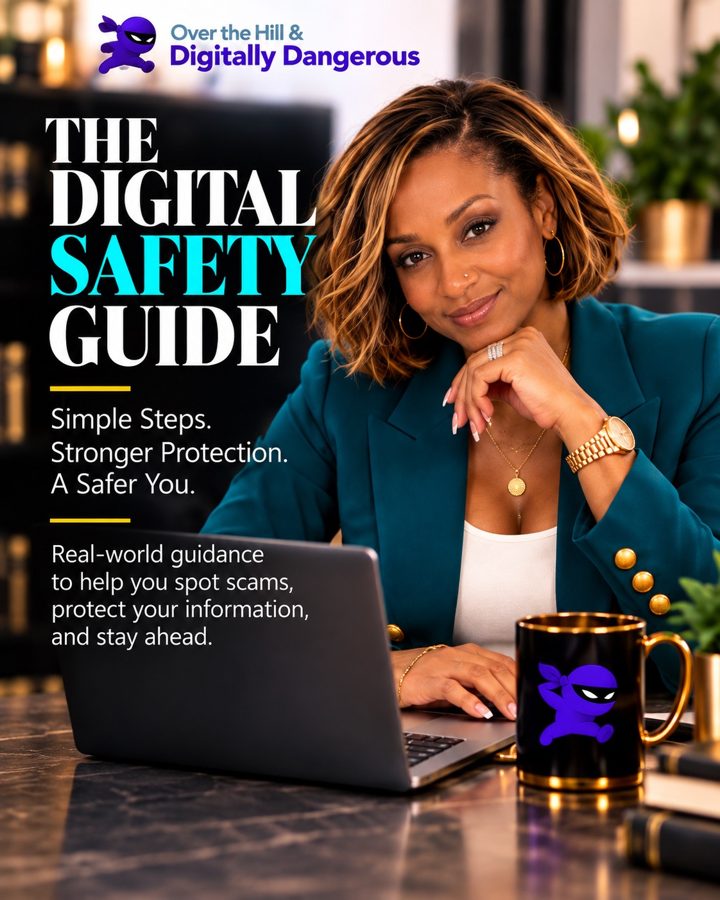
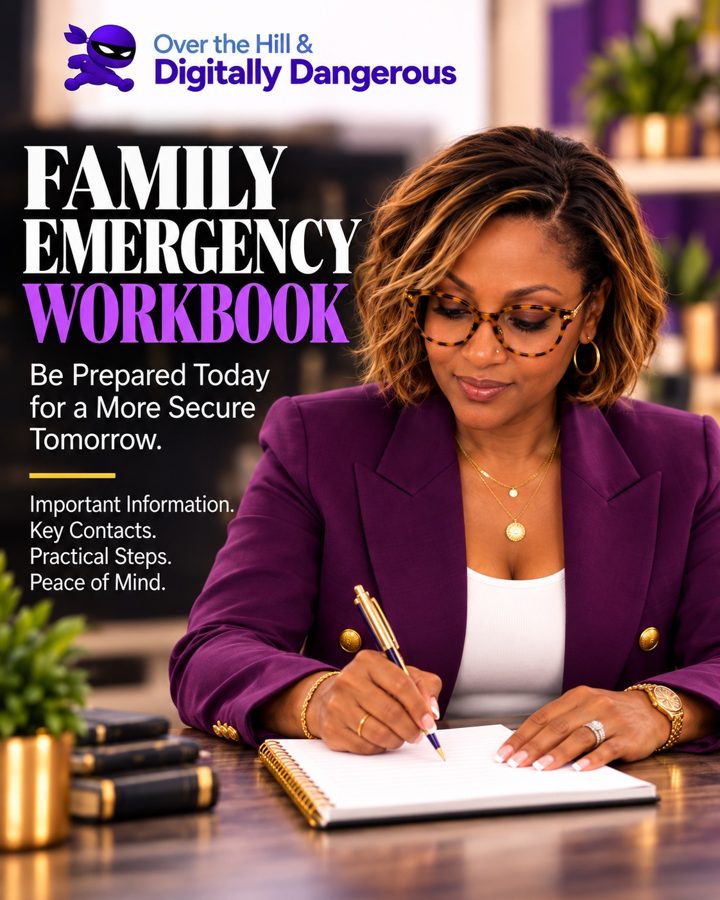
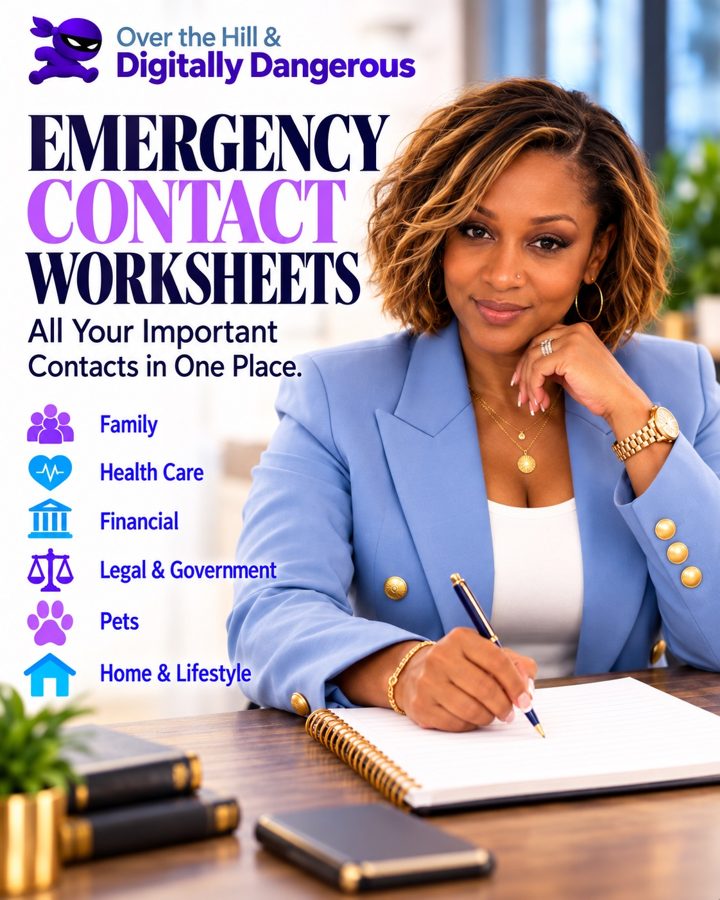
Download It
Get easy-to-follow digital guides, checklists, and workbooks you can use at your own pace.
Explore the Safety Toolkit
Learn It Live
Join our instructor-led virtual classes to explore the latest digital scams, ask questions, and build practical skills.
Get Class Dates by Email
Bring Us to Your Community
Book an engaging digital safety workshop for your church, senior community, family group, or organization in the Atlanta metropolitan area.
Request a WorkshopYou have the experience. We'll help you build the digital skills.
Don't verify because you're suspicious. Verify because you're smart.

Digital Safety Toolkit
Knowledge Is Powerful. A Plan Is Better.
Printable checklists, workbooks and templates that turn what you learned in a video into something your whole family can follow.
Store not open yet Products will show prices and checkout once files, pricing and payments are approved.
How it works
Three habits that beat almost every scam
 STEP 1
Spot It
Recognize warning signs and common deception tactics: urgency, secrecy, and requests to pay in unusual ways.
 STEP 2
Verify It
Independently confirm claims, identities, businesses, and requests using a number or website you found yourself.
 STEP 3
Protect Yourself
Apply practical tools and trusted resources to make informed decisions, and know who to call if something already happened.

Scam Verification Center
Check it before you click it
Pick what landed in front of you. Tick every warning sign you notice, and we'll show you the safe next step.
Report it or get help from the official sources
Churches, seniors & community education
Digital Safety Is a Community Responsibility.
Scammers count on people being alone with a decision. A congregation, a senior center or a caregiver circle that learns together is much harder to fool.


About the founder
Meet Kendra Battle
- Founder of Digitally Dangerous
- Author
- Technology Executive
- Digital Safety Advocate
My name is Kendra Battle, founder of Digitally Dangerous and author of Over the Hill & Digitally Dangerous.
I'm a technology executive, wife, mother, and woman over 50 who has watched good people get targeted because they were busy, trusting, and successful.
I help adults, seniors, families, and community organizations learn how to recognize scams, verify information, and protect themselves from identity theft, fraud, AI voice scams, job scams, and other growing digital threats.
We don't teach people to fear technology. We teach them to navigate it confidently.
FAQs
Questions people ask us
Can this website tell me whether a message is a scam?
No website can promise that. The Verification Center teaches you what to look for and how to confirm things through official channels. When money or personal information is involved, contact the organization directly using a phone number or website you found on your own.
I think I was already scammed. What do I do first?
Call your bank or card company using the number on the back of your card, change any passwords you shared, and report it at reportfraud.ftc.gov and ic3.gov. Then tell someone you trust. Being targeted is not a reflection of your intelligence.
Do you speak at churches and senior centers?
Yes. Use the community request form above and include your group size and preferred dates.
Will you ever ask for my passwords or account numbers?
Never. If anyone claiming to be Be Digitally Dangerous asks for passwords, codes or payment details, it is not us.

Free scam alerts by email
Stay Sharp. Stay Safe. Stay Digitally Dangerous.
Get practical scam alerts, digital safety tips, and helpful resources delivered to your inbox.
Privacy, terms & accessibility
Accessibility. This site is built toward WCAG 2.2 AA: large readable text, strong contrast, full keyboard navigation, captions and transcripts on videos, and reduced motion when your device asks for it. Tell us about any barrier through the contact form.
Privacy Policy and Terms of Use Draft required before launch